How the Game Loop works
Input, update, render — the videogame heartbeat
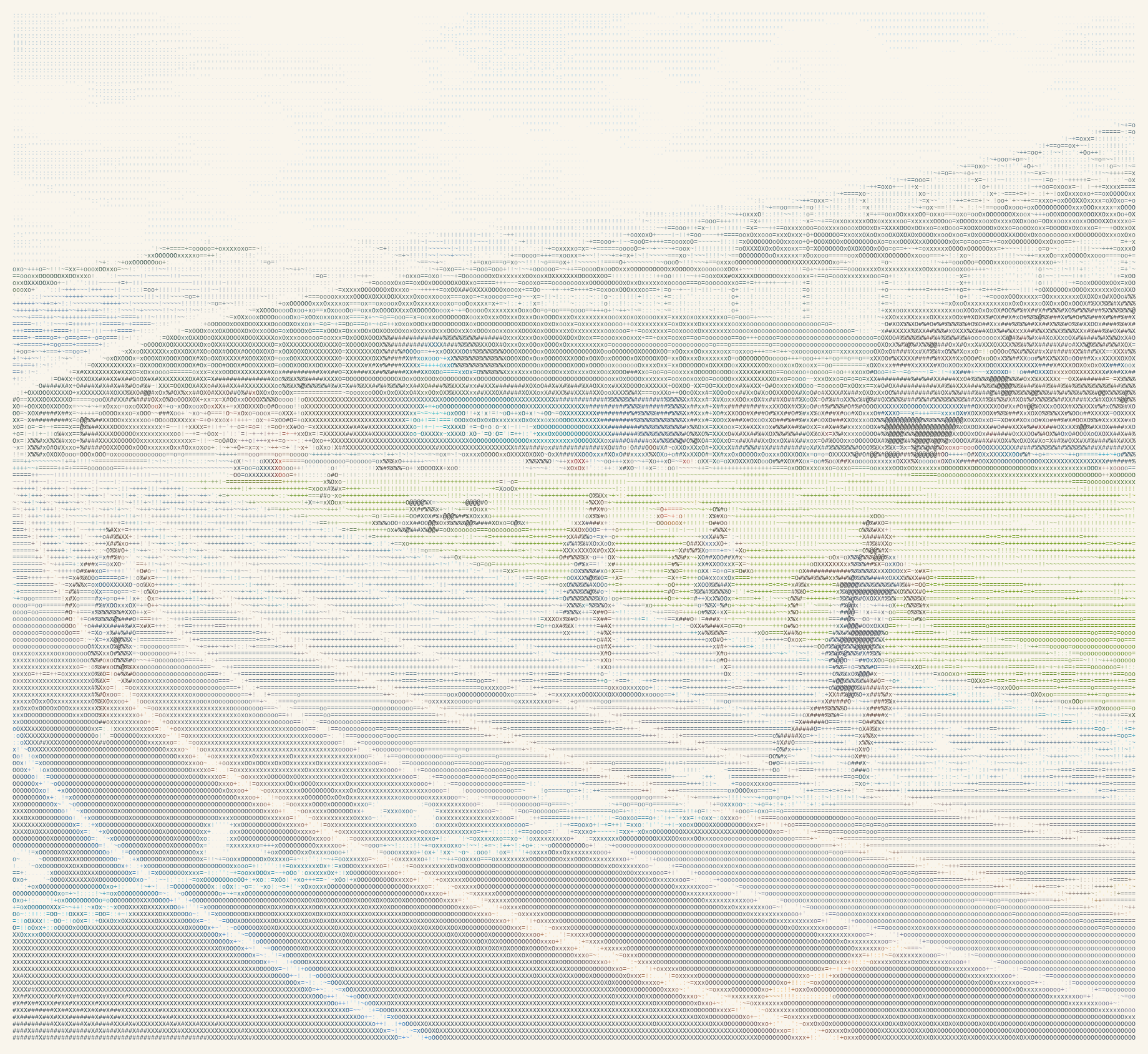
Every game you've ever played — from Pong to the latest open-world blockbuster — is driven by a single, relentless heartbeat: the game loop. It's the piece of code that never sleeps. While the loop runs, the game is alive. When it stops, the game is over. Understanding how it works is the first step to making games yourself.
The simplest loop
At its core, a game loop does three things, over and over: it checks for input, it updates the game's state (positions, scores, physics), and it draws the next frame to the screen. In pseudocode it looks like this:
while (gameIsRunning) {
    processInput();
    update();
    render();
}
That's it. No magic. The loop runs as fast as the machine allows (or as fast as you cap it). Each iteration is one “tick” of the game’s clock. Move the player, update the enemies, resolve collisions, then paint the result. Repeat until the player quits.
Why frame rate isn’t fixed
Old arcade machines and consoles used fixed hardware where game logic ran at a consistent rate, such as 60 times per second. In contrast, modern PCs and phones have variable frame rates — a complex scene might run at 50 FPS while a simple menu hits 120 FPS. If your game logic updates once per frame, the simulation speed becomes tied to the frame rate. A character moving 10 pixels per frame would cover the screen twice as fast at 120 FPS compared to 60 FPS, creating an unfair and broken experience.
The fix is to use delta time (often written
dt): the time in seconds (or milliseconds) since the
last frame. You multiply movement and other time-based changes by
dt. So “10 pixels per second” becomes
position += 10 * dt. Now the character moves the same
distance per second regardless of how many frames the machine can
draw. The game is frame-rate independent.
Update vs render
It’s useful to keep “update” and “render” separate in your head. Update is where you change the game world: physics, AI, timers, input handling. Render is where you draw the current state to the screen. You can even update multiple times per frame (e.g. fixed timestep physics) and still render once, or skip rendering when the frame is late. Many engines do “update at 60 Hz, render when possible” so physics stays stable while the picture can vary.
The loop in the browser
In a browser, you don’t write while (true). The
browser gives you requestAnimationFrame
(often shortened to rAF). You pass it a callback; the
browser calls that callback before the next repaint, usually synced
to the display’s refresh rate (60 or 120 Hz). So your “loop” is:
schedule the next frame, then in the callback run your update and
draw. One call per frame, with timing you can measure to get dt.
See the loop in action
This is the same loop: each frame we update the ball’s position with delta time, then draw. Pause and step to advance one update + render at a time.
In the demo above, the ball’s position is updated with
position += velocity * dt. So its speed is in “units
per second,” not “units per frame.” The stats show the current
frame number, FPS, and delta time. When you pause, the loop stops;
“Step 1 frame” runs one update and one render so you can see the
loop tick once.
Fixed vs variable timestep
Some games use a fixed timestep for physics (e.g.
always 1/60 s per step). They might run several physics steps in
one frame if the frame was long, so the simulation stays in sync
with real time. Others use a variable timestep:
one update per frame, with dt equal to the actual
elapsed time. Each approach has trade-offs: fixed is stable and
reproducible; variable is simpler and can feel fine for many games.
Professional engines often use a mix (fixed physics, variable
rendering).
One loop to rule them all
No matter how big the game is, the idea is the same: one loop, input → update → render, with time (delta time) driving change. Once you see that, you can dig into input systems, rendering pipelines, and physics engines knowing they all plug into this heartbeat. Master the loop, and you’ve got the foundation everything else is built on.
One loop. Input, update, render. Repeat.
I use the same fundamentals in Second Runner, a
small arcade-style Chrome extension I built using JavaScript. Each
mini-game runs on requestAnimationFrame: we read
input (mouse position), advance the simulation (ball and paddles)
using elapsed time so motion stays consistent when the frame rate
shifts, then draw the canvas — the same input → update → render
rhythm this post describes. You can install it from the
Chrome Web Store — Second Runner.
References & further reading
- Game Loop Fundamentals (Meshy) — a wide-angle look at loop architecture, performance, and patterns for modern games.
- Game Loop Tutorial (Vassar / Gedi) — walks through update and render as the core of each frame, plus double buffering in a real graphics setup.
- Game Loop (C# Gamedev Wiki) — simple loops, fixed vs variable timestep, and splitting fixed logic from display-rate rendering.
- Game Loop (Architectural Patterns) — short pattern sketch: periodic input, state update, and redraw for smooth animation.
- Game Loop Pattern (AlgoMaster) — the loop as a design pattern: why continuous simulation beats a purely event-driven model for real-time play.
Can't get enough from Lumænaut_? Read this...
- Grinding LeetCode — Day 1: Two Sum — a beginner-friendly walkthrough from brute force to an O(n) hash map solution.
- The 8 Algorithm Paradigms — eight mental models you’ll keep reusing across problems, interviews, and production code.
- Everything I Don't Know About Blogging — the behind-the-scenes logbook: domains, SEO, and learning in public.